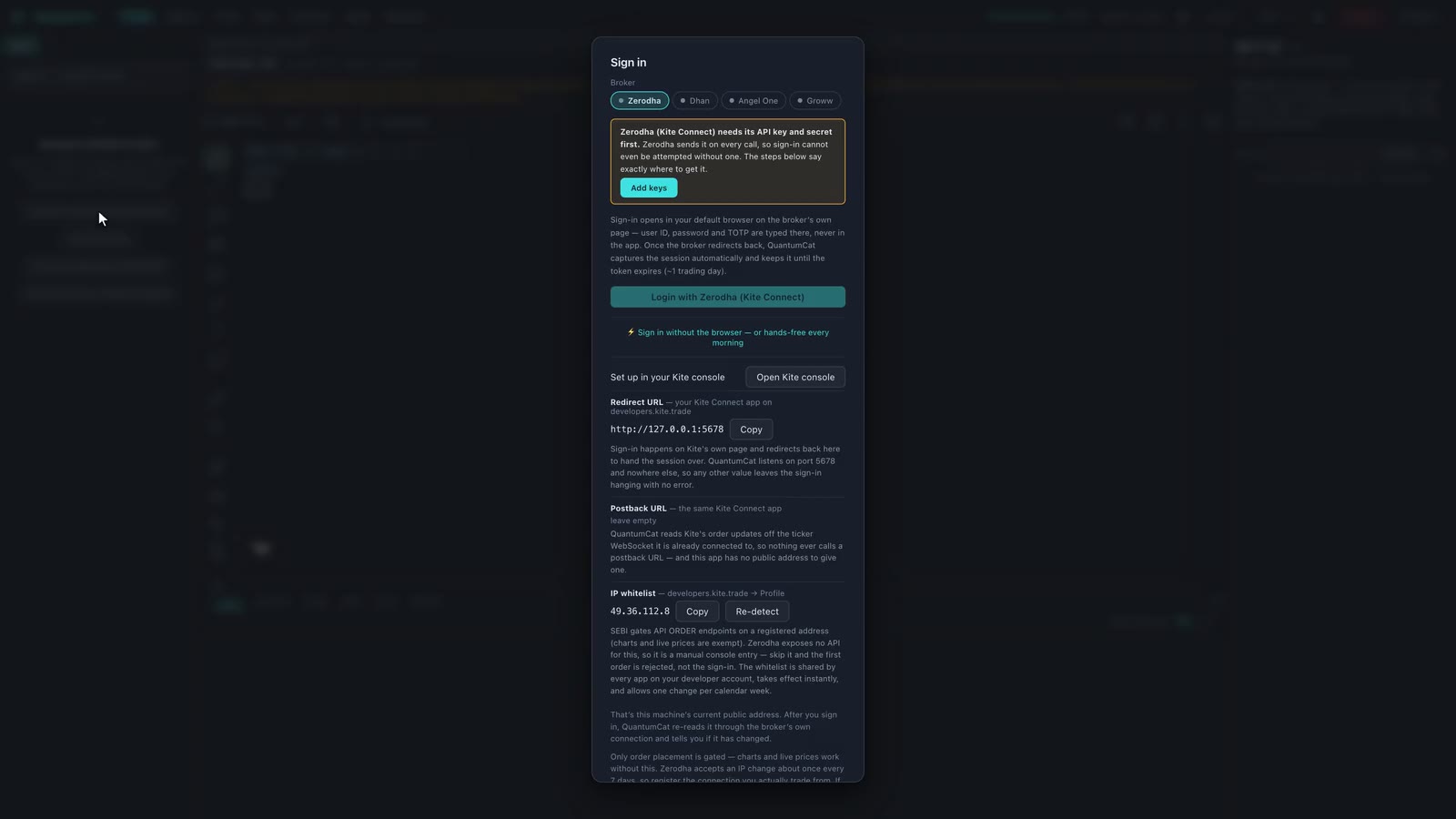
The desktop app is the source of truth
QuantumCat runs natively on macOS and Windows, and that is where your broker sessions and credentials live. Saved credentials stay in the local encrypted vault. Authenticated broker requests connect directly by default, or through an optional configured IP relay. Enabled cloud features and JARVIS make separate external requests.
Updates arrive by themselves
On launch the app checks for a newer signed build, downloads it silently, and shows a “restart to update” pill. Update packages are signed with QuantumCat’s updater key. The app verifies that signature against the public key compiled into the binary before installing an update. A build that isn’t signed by that key is refused — there is no override.
Your data stays yours
- Recorded ticks, the session timeline, journals, bots and screeners are files on your machine — not rows in someone’s cloud.
- Saved credentials are encrypted in the local vault and used for the selected broker authentication flow.
- Account access and enabled features have separate external connections. Entitlement checks, cloud alerts, updates and a configured IP relay serve different purposes. JARVIS sends its conversation and relevant tool results through your ChatGPT session.
- Diagnostics are scrubbed on your machine before they leave. Every symbol, price, quantity, order id, file path and e-mail address is stripped out on the device — what is sent is a failure’s reason, the command or component it came from, the app version, the operating system and a random per-install id. No trade contents, no credentials, no positions, no P&L. Your IP is never stored beside a diagnostic — the ingest endpoint sees it only to rate-limit abuse, in a counter kept apart from anything you did and cleared within days. That install id is linked to your account on our side, so support can tell which build you are running and which features you use.
Accounts and access
Sign in with an email and password; the terminal re-checks entitlement periodically. If it can’t reach the licensing service it keeps working on the last verified answer for a bounded window rather than locking you out mid-session over a network blip — and it says plainly that it’s running offline, with how long is left, instead of pretending everything is fine.