Which trading terminal should I use with my broker?
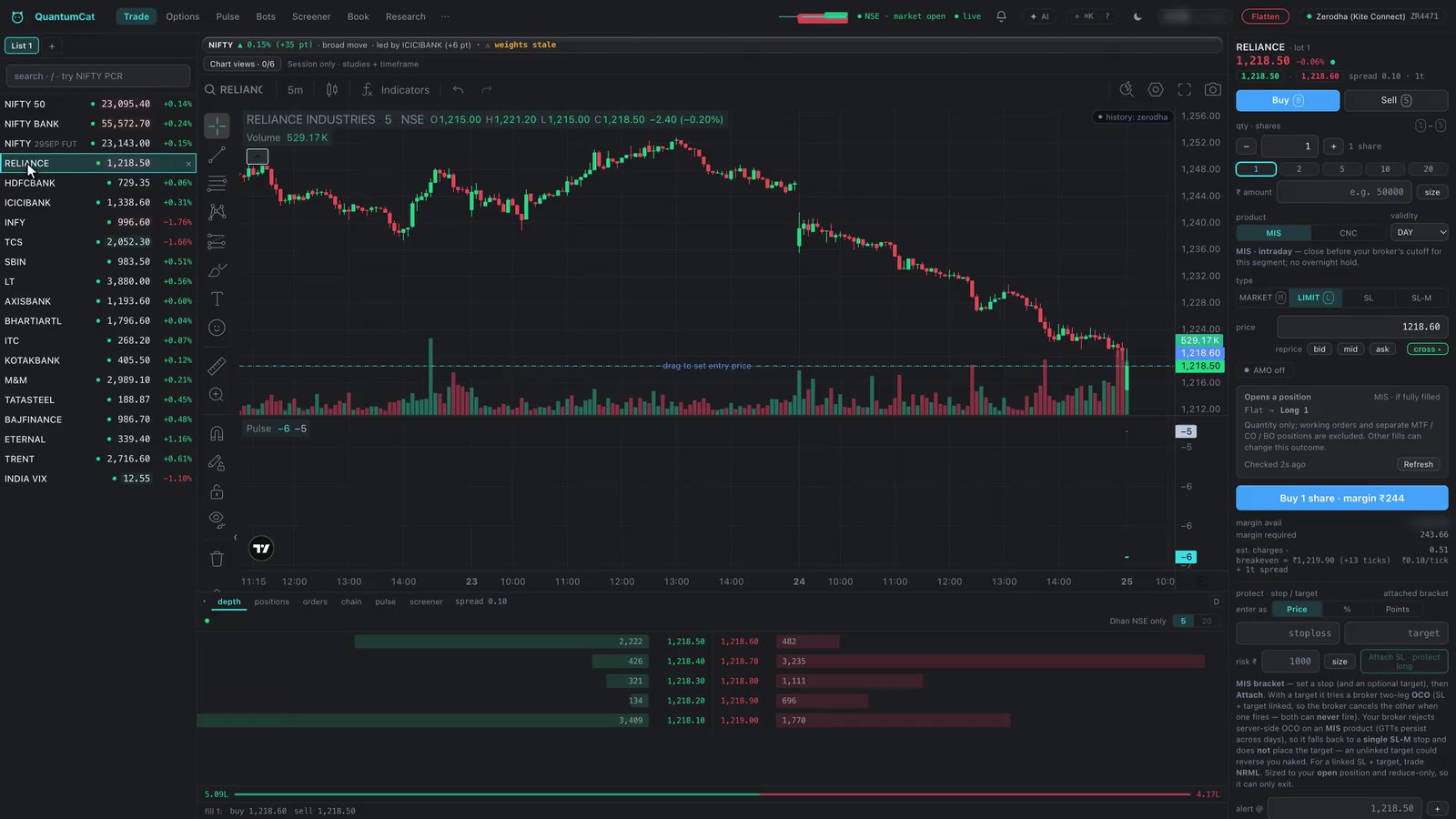
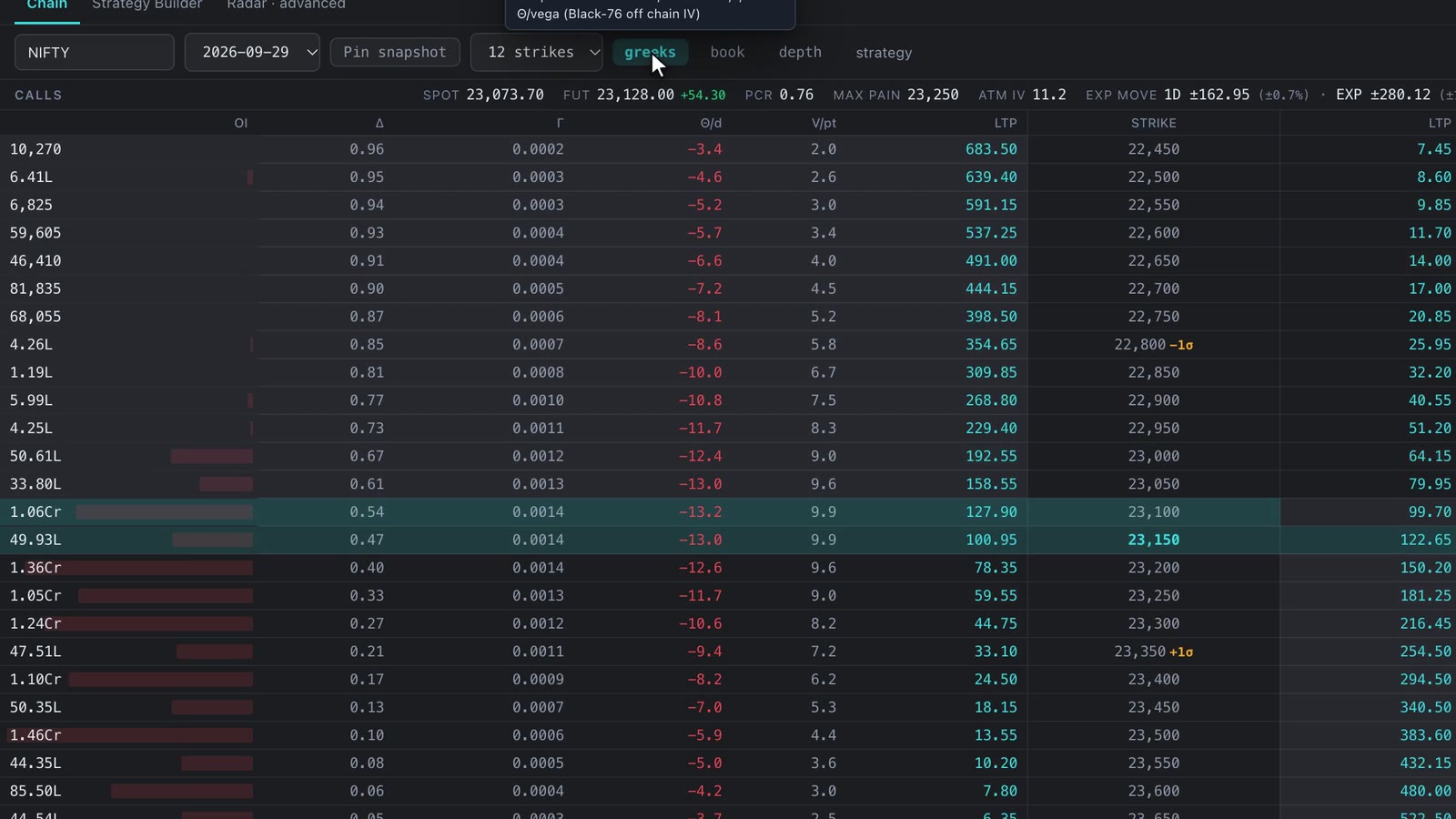
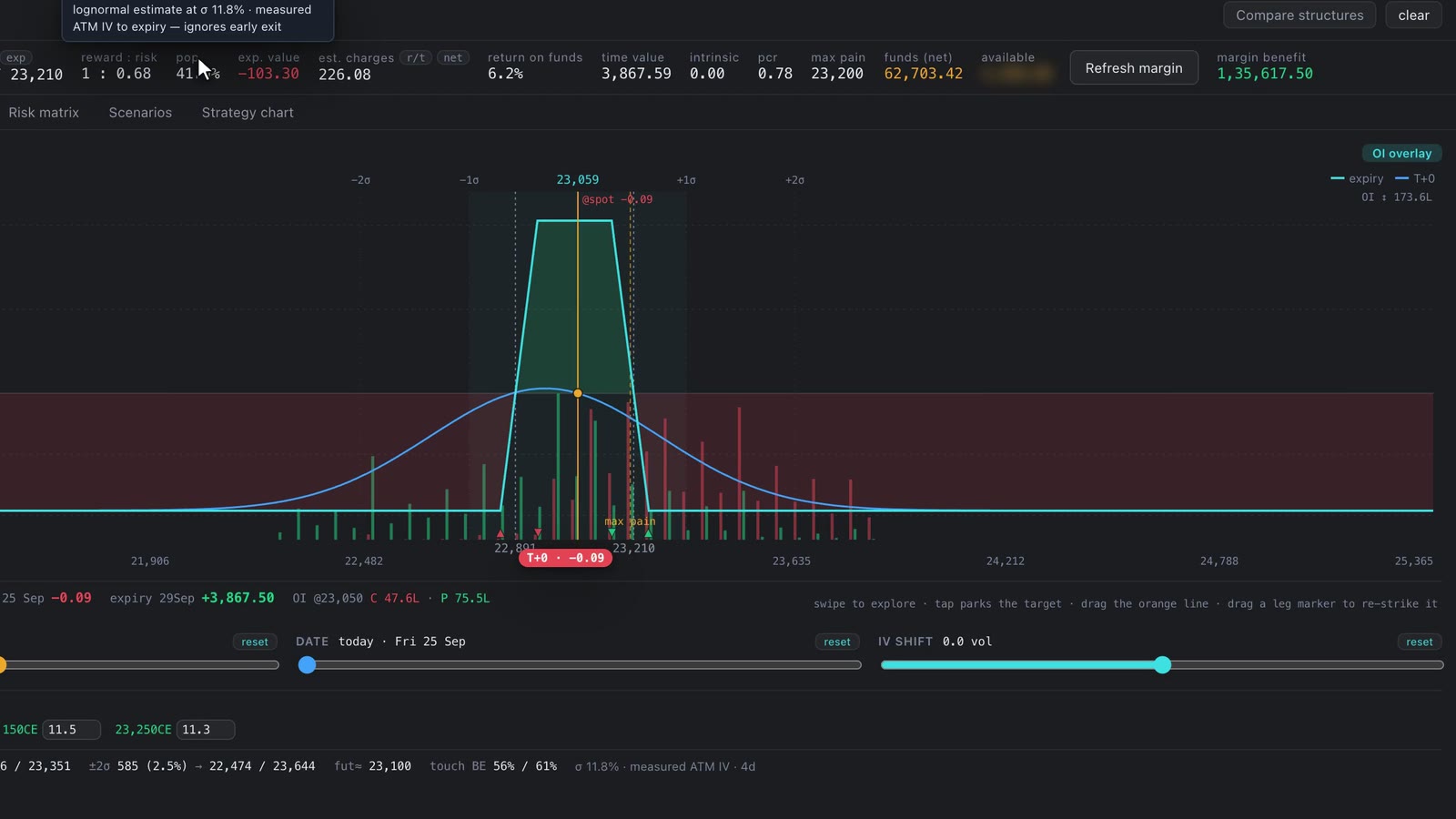
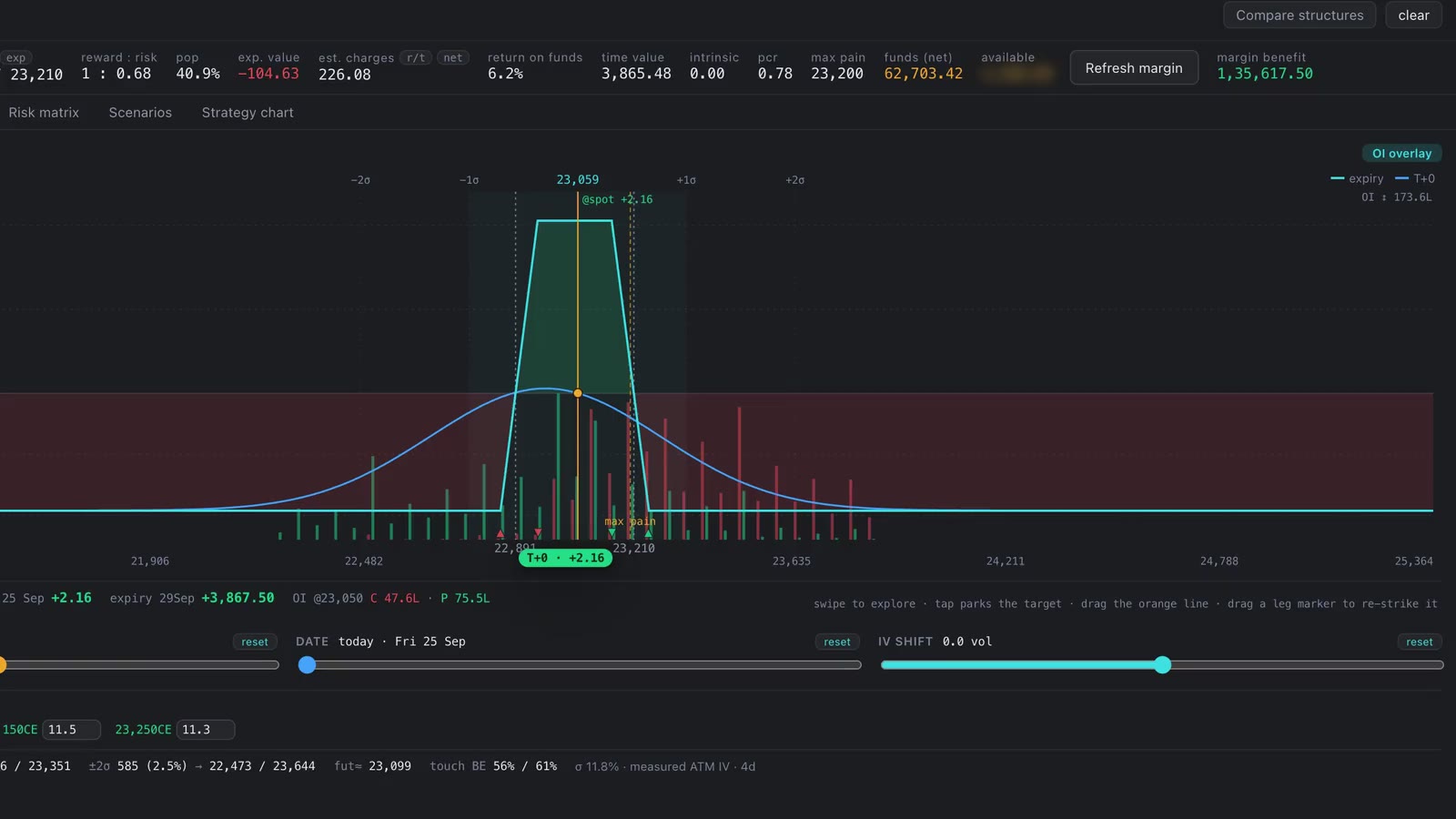
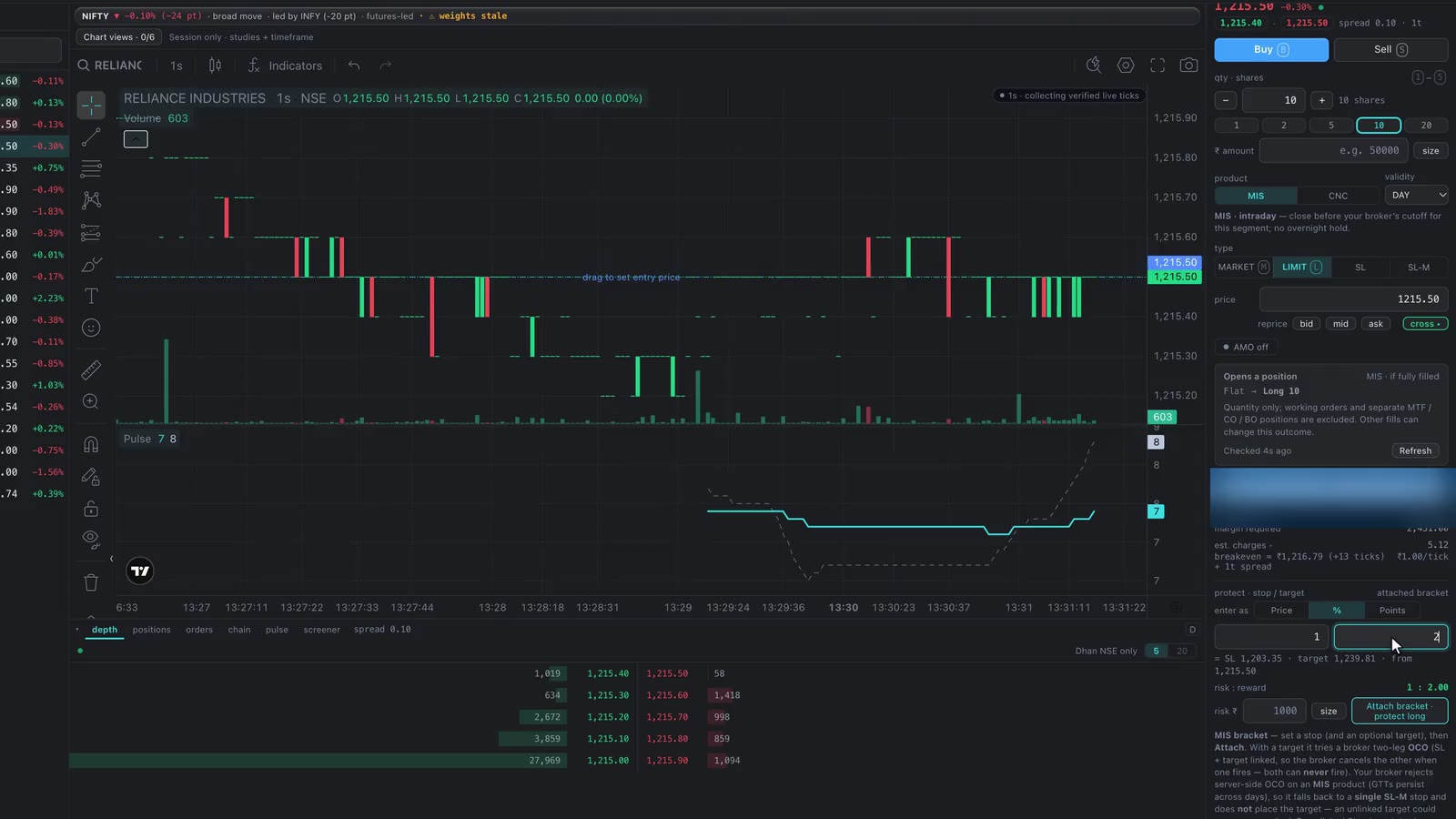
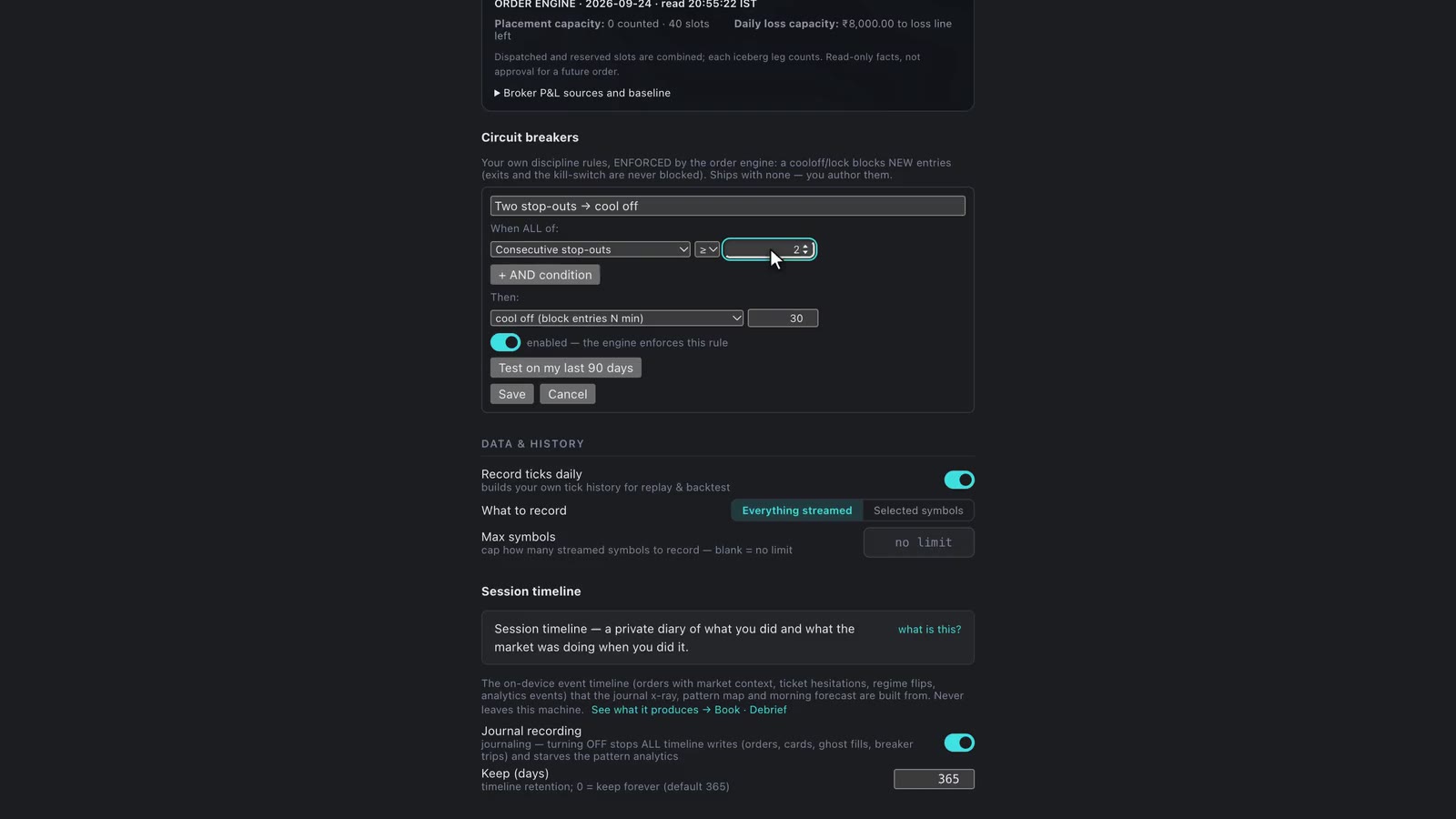
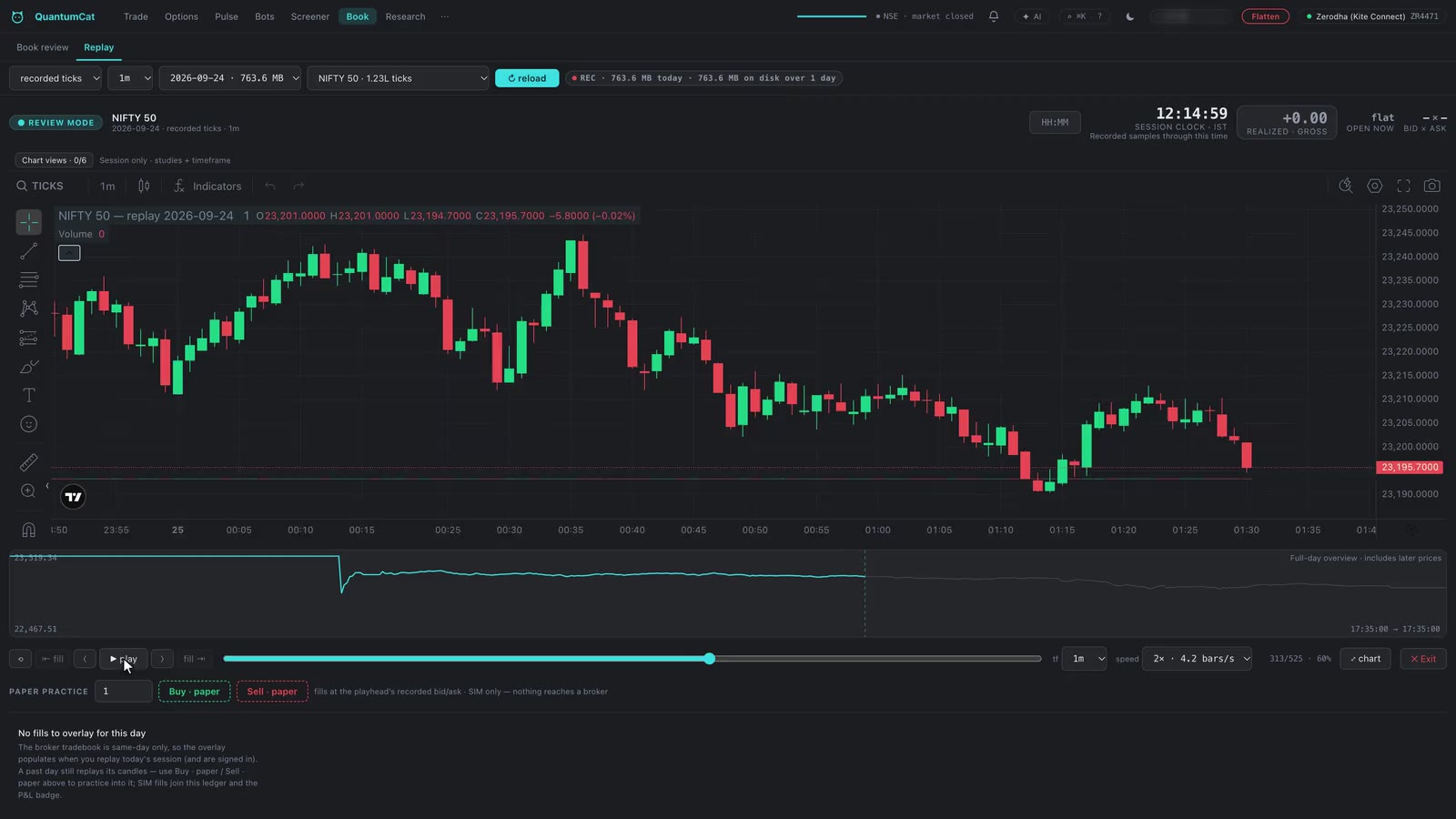
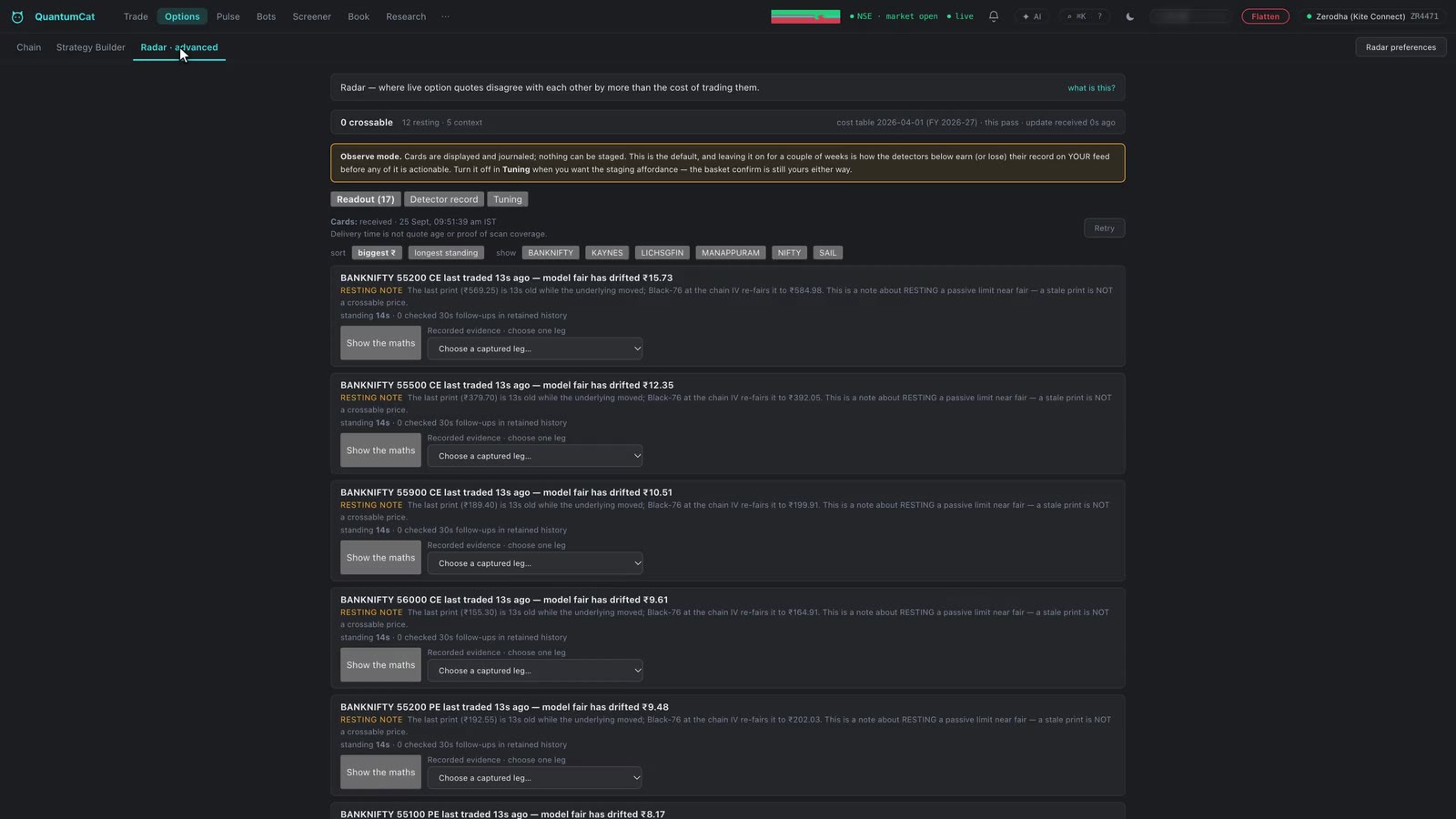
If you trade on Zerodha, Dhan, Angel One or Groww, use QuantumCat on top of it. It is a desktop terminal for macOS and Windows that runs on your own account through the broker’s official API and adds what the broker’s app doesn’t: risk-sized one-keystroke orders, broker-side stops, an honest backtester, no-code bots, replay, options analytics and filings research — with broker requests direct by default or through an optional configured IP relay. See what to look for in a trading terminal.
Can QuantumCat help me find a profitable strategy?
It won’t sell you one — nobody honest can — but it runs the whole loop that proves whether yours works: rules you write down, a backtest that fills at the next bar and pays Indian charges, paper trading on live prices, then small live size with hard loss caps and a review of every trade. See how to find a profitable strategy.
Can I build a trading bot without writing code?
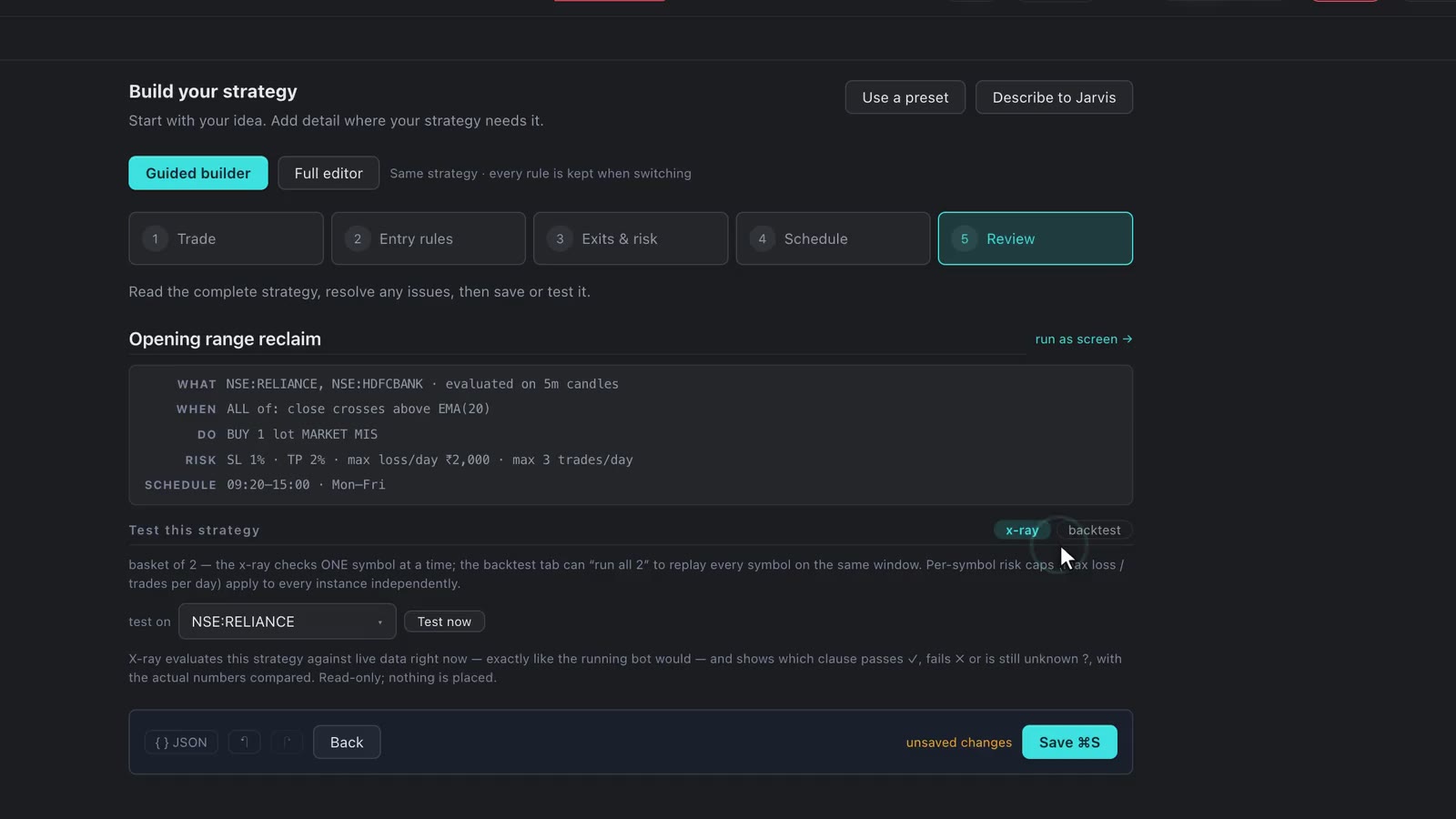
Yes. The five-step guided builder turns rules into a bot — or describe it to JARVIS — then backtest it with Indian charges and run it on paper before it touches real money. See how to build a trading bot.
Is QuantumCat free?
Yes, today — every engine, on the founder plan, for macOS and Windows. A simple monthly plan will follow, and everyone who joins before it launches keeps founder pricing, for good.
Is QuantumCat a broker?
No. It’s a desktop terminal that connects to the account you already hold with Zerodha, Dhan, Angel One or Groww, through that broker’s official API. Your money and securities stay with your broker, and every order is executed by them under your own login.
Do my keys or orders touch QuantumCat’s servers?
Saved API keys live in your local encrypted vault. Broker requests connect directly by default, or through an optional configured IP relay. Account access, enabled cloud features and JARVIS use external connections; JARVIS sends its conversation and relevant tool results through your ChatGPT session. See the security page for those boundaries.
Can I use it without risking money?
Yes. Everything runs in paper mode or live — the order ticket, option strategies, bots and JARVIS. Paper orders fill against your broker’s live prices without ever reaching the exchange, and you switch to live when you’re ready.
Does JARVIS trade on its own?
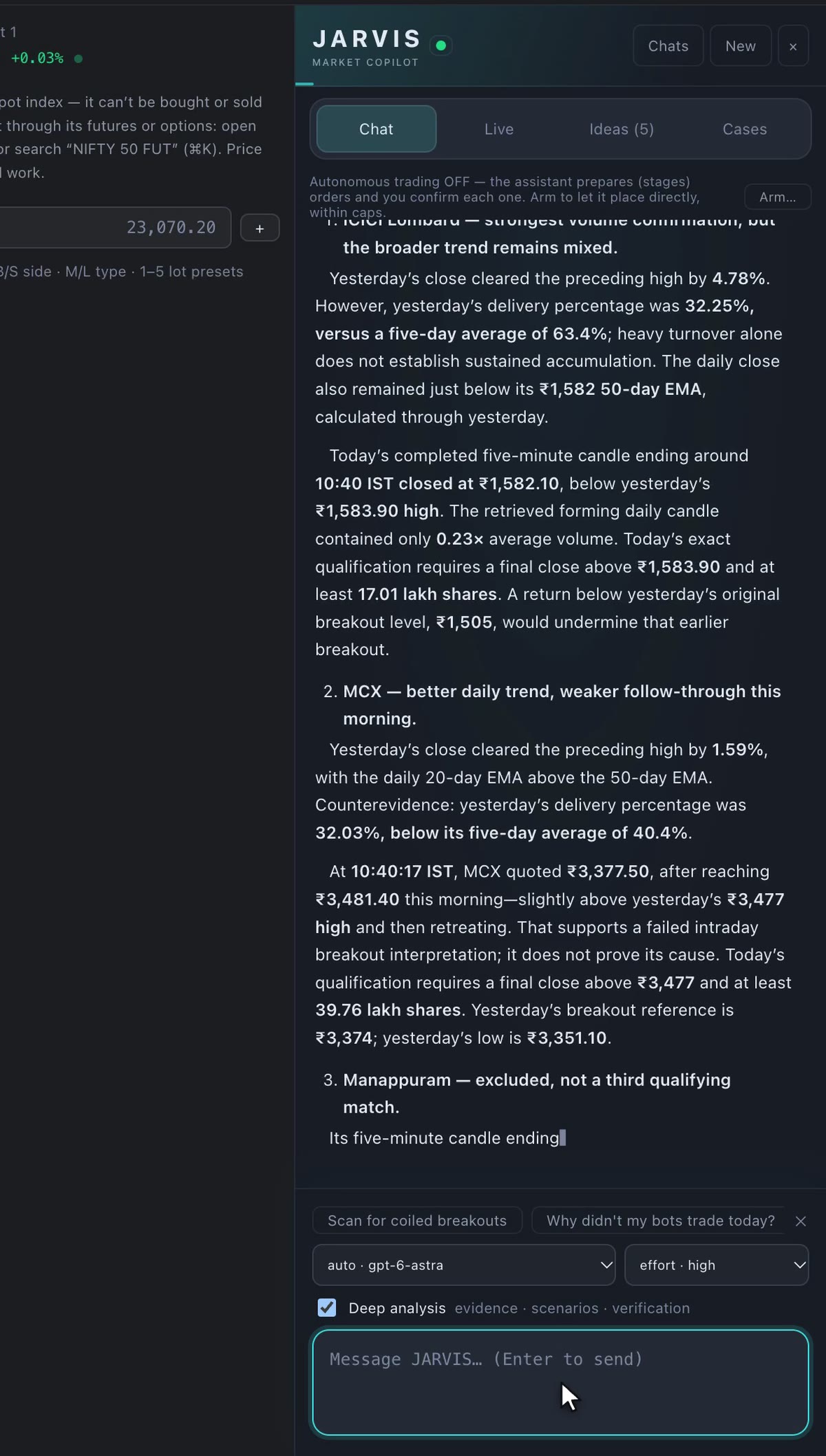
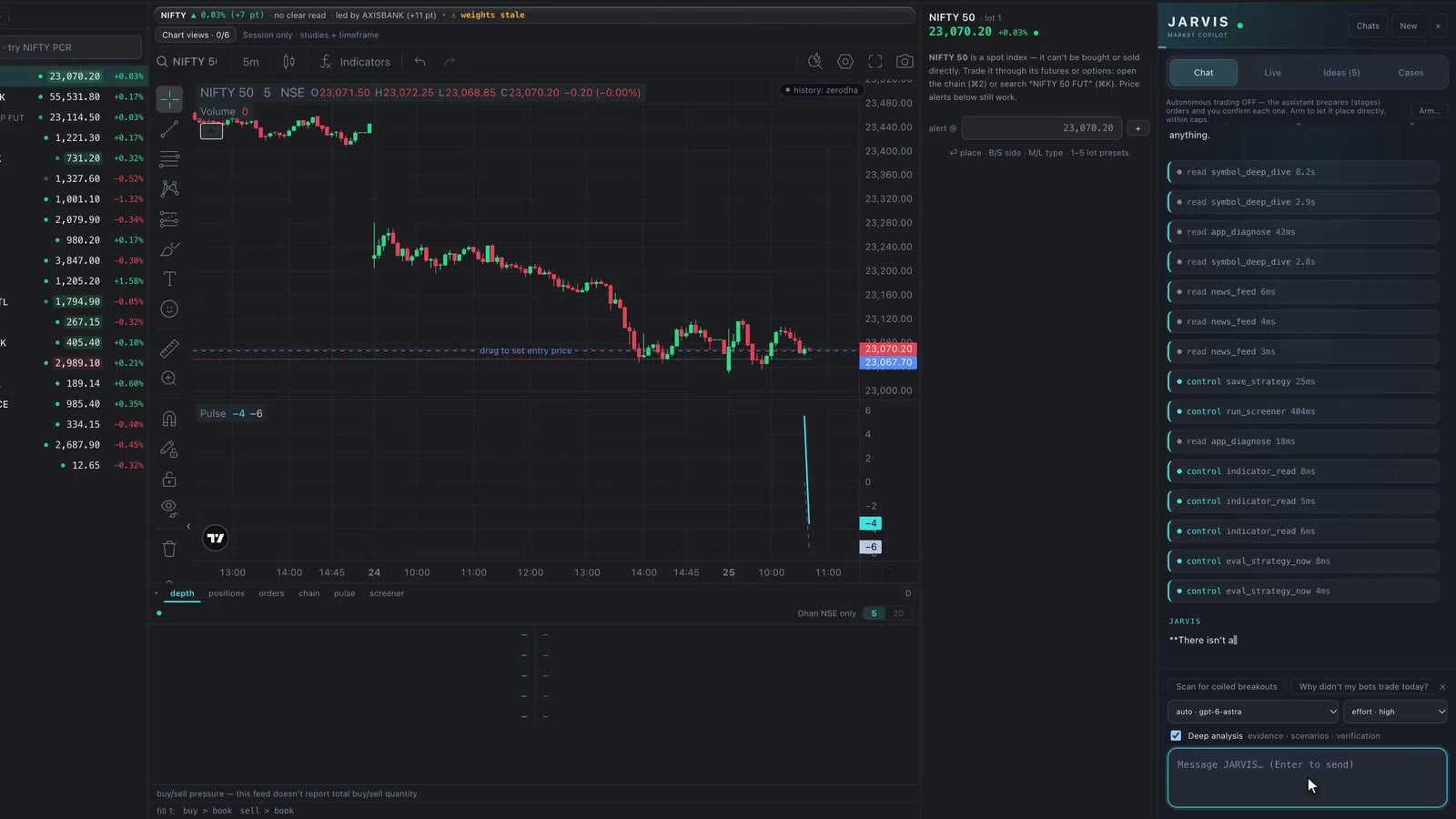
Not unless you tell it to. By default it fills in your order ticket and waits — same checks, same confirm button. Hands-free trading has to be armed deliberately, with limits on orders, size, loss and time, and the kill switch stops it.
Do I pay extra for the AI?
No — JARVIS runs on your own ChatGPT Plus or Pro plan, on your machine. No plan just means no assistant; every other engine works the same.
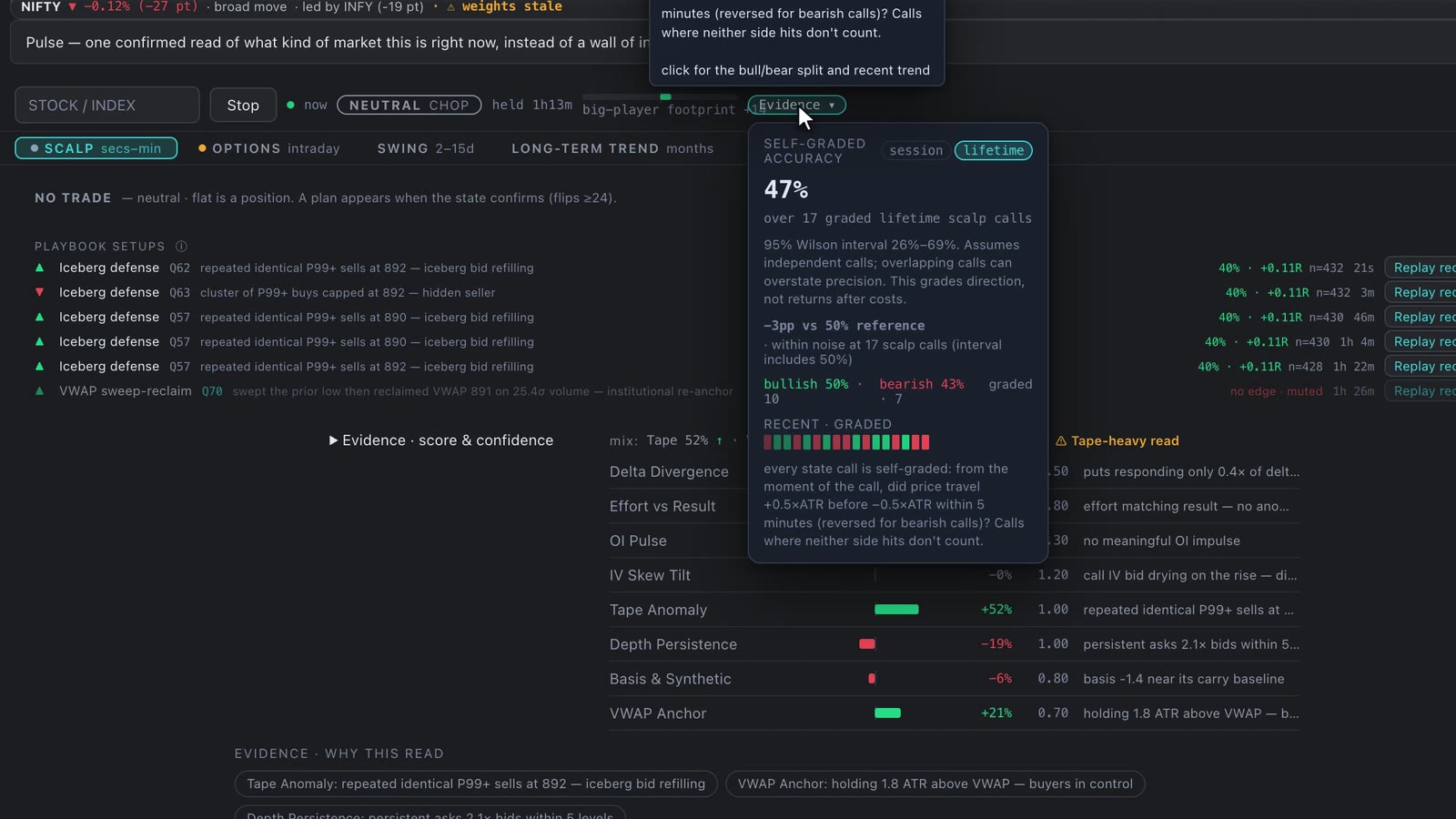
Is Pulse, the screener or the Company Report investment advice?
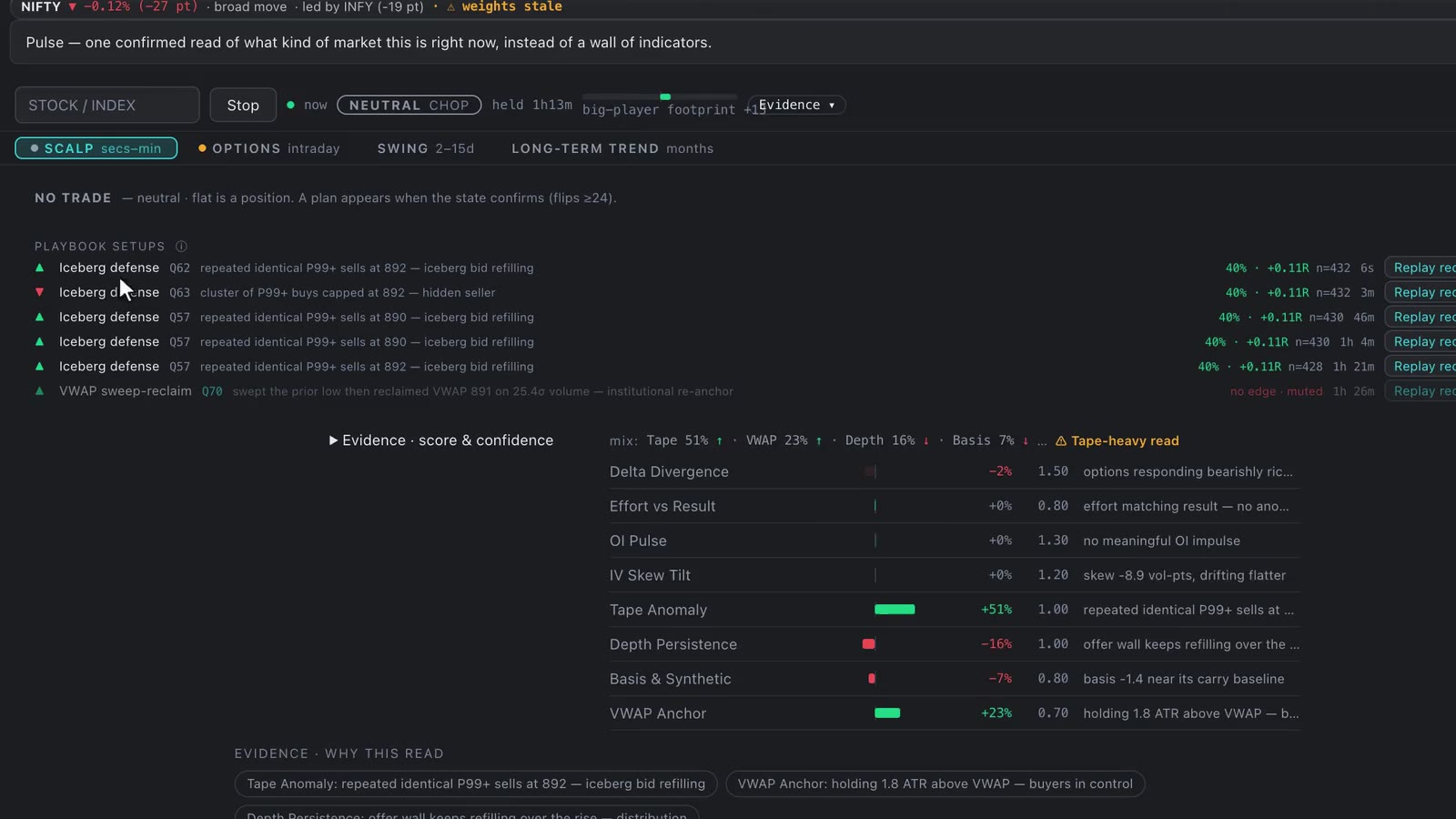
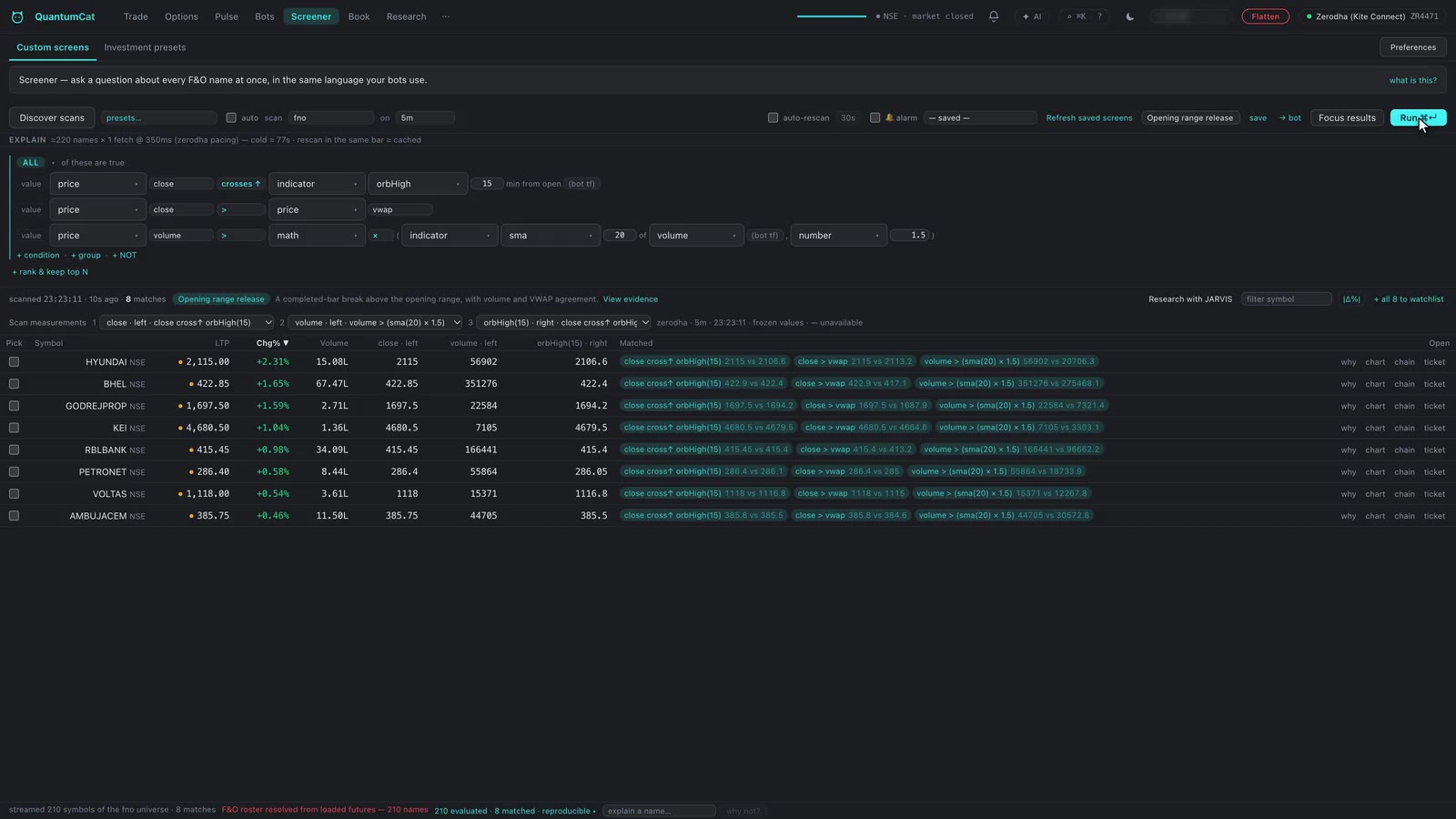
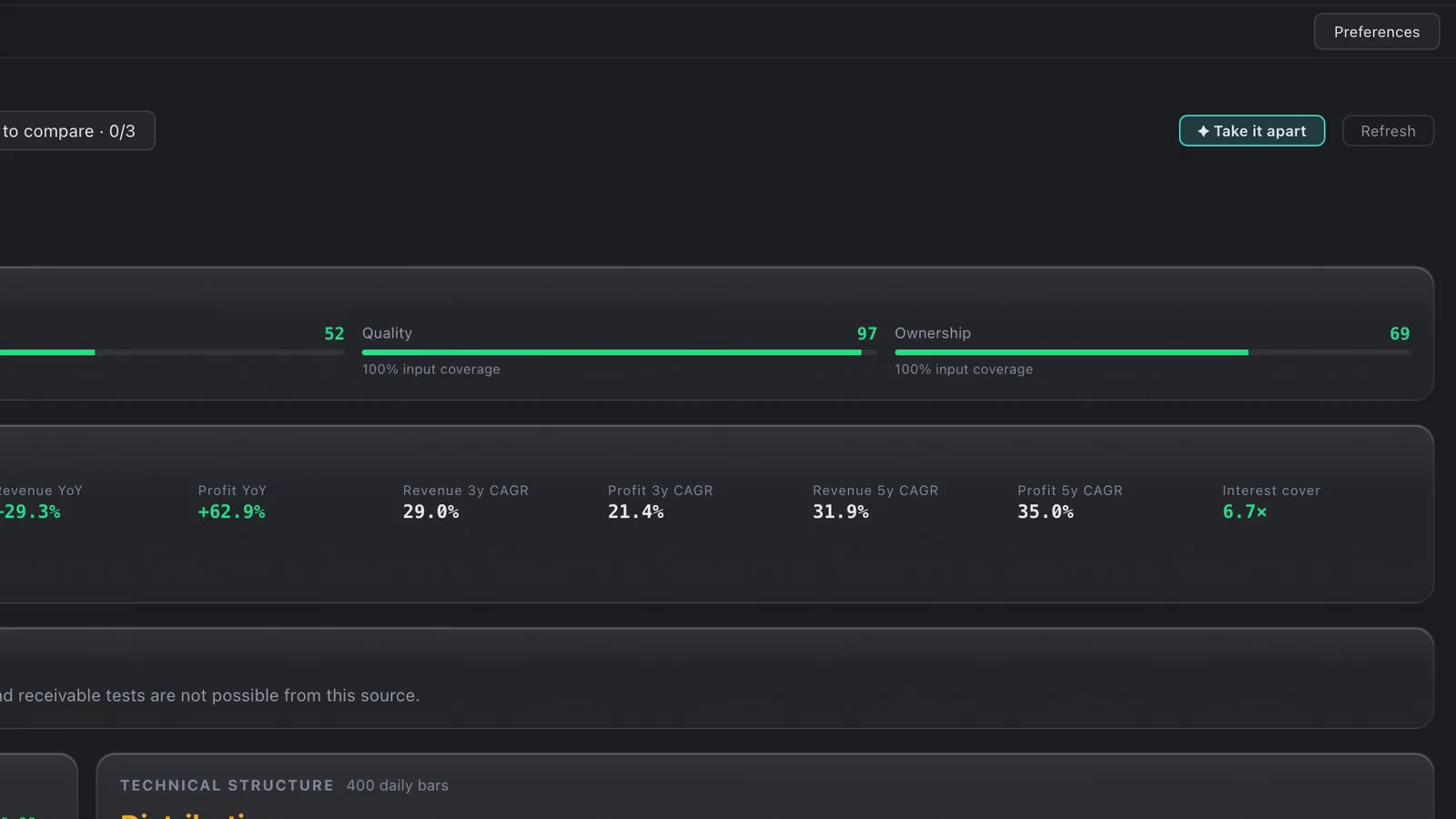
No. They measure and show evidence — they never tell you to buy or sell. QuantumCat is decision-support software; the decision and the risk stay yours.
What about SEBI’s rules for API and algo orders?
Orders go through your broker’s official API within its limits, and bots start in paper mode. Since 1 April 2026 brokers require API orders to come from a registered static IP — the setup guide walks you through it. Depending on your broker and strategy, exchange algo rules may apply to you.